Best Practices for Business Process Operations: A Comprehensive Guide

On This Page
- What Is Business Process Operations?
- How Does Business Process Management (BPM) Fit In?
- Where Does Automation Help, and Where Does It Not?
- How Do You Implement Business Process Operations?
- Which KPIs Show Whether a Process Is Working?
- What Gets in the Way of Better Processes?
- What Does This Look Like in Practice?
- Should You Outsource Parts of Your Business Process Operations?
- Frequently Asked Questions
Business process operations is the ongoing work of designing, running, measuring, and improving the repeatable processes a company depends on, such as order handling, invoice approval, payroll, and hiring. The goal is work that produces the same result every time, with a named owner, written steps, and numbers that show when something slips.
- A process is worth managing formally when it has a clear start and end, a single owner, and runs at least weekly.
- Fix the process before you automate or outsource it. Automating a broken step only produces errors faster.
- Four numbers tell you most of what you need: cycle time, error rate, cost per transaction, and backlog.
- Controls belong in the process map: 74% of US organizations were affected by business email compromise in 2025 (Association for Financial Professionals, April 2026).
Most operating problems that look like people problems are process problems. An invoice sits for nine days because nobody owns the approval step. A customer gets three different answers because each agent works from personal notes. Both are fixed the same way: write the process down, give it an owner, measure it, and change one thing at a time.
What follows covers what the discipline includes, how business process management (BPM) and automation fit, a six-step rollout, the KPIs worth tracking, and when to hand a stable process to an outside team.
What Is Business Process Operations?
Business process operations is the day-to-day management of the workflows that turn inputs into results: a purchase order into a delivered product, a job requisition into a new hire, a support ticket into a resolved case. It covers how those workflows are designed, who runs them, how they are measured, and how they are changed.
It is related to, but different from, business process outsourcing (BPO). Operations is the discipline of running the process well; outsourcing is one decision you can make once a process is running well, by having an outside provider perform some of the steps.
What Makes a Business Process Effective?
An effective process has six traits. If one is missing, that is usually where the delays and errors come from.
- A defined trigger and end point. "Invoice received" to "invoice paid," not "accounts payable."
- One owner. A single person accountable for the result, even when several teams touch the work.
- Written steps. A short procedure that a new hire could follow, including what to do with exceptions.
- Known inputs and outputs. What has to arrive before work starts, and what "done" looks like.
- Measurement. At least one number reviewed on a schedule, such as days to pay or tickets resolved per shift.
- A way to change it. A simple rule for who can approve changes to the procedure and how staff hear about them.
How Does Business Process Management (BPM) Fit In?
BPM is the method; business process operations is where the method is applied to real work every day. BPM gives you a repeatable cycle for improving any process, and operations teams run that cycle on their own workflows.
The approach is well established in quality management. NIST's Baldrige Excellence Framework, revised for 2026, treats Operations as one of its six core categories, alongside Leadership, Strategy, Customers, Workforce, and Measurement, Analysis, and Knowledge Management.
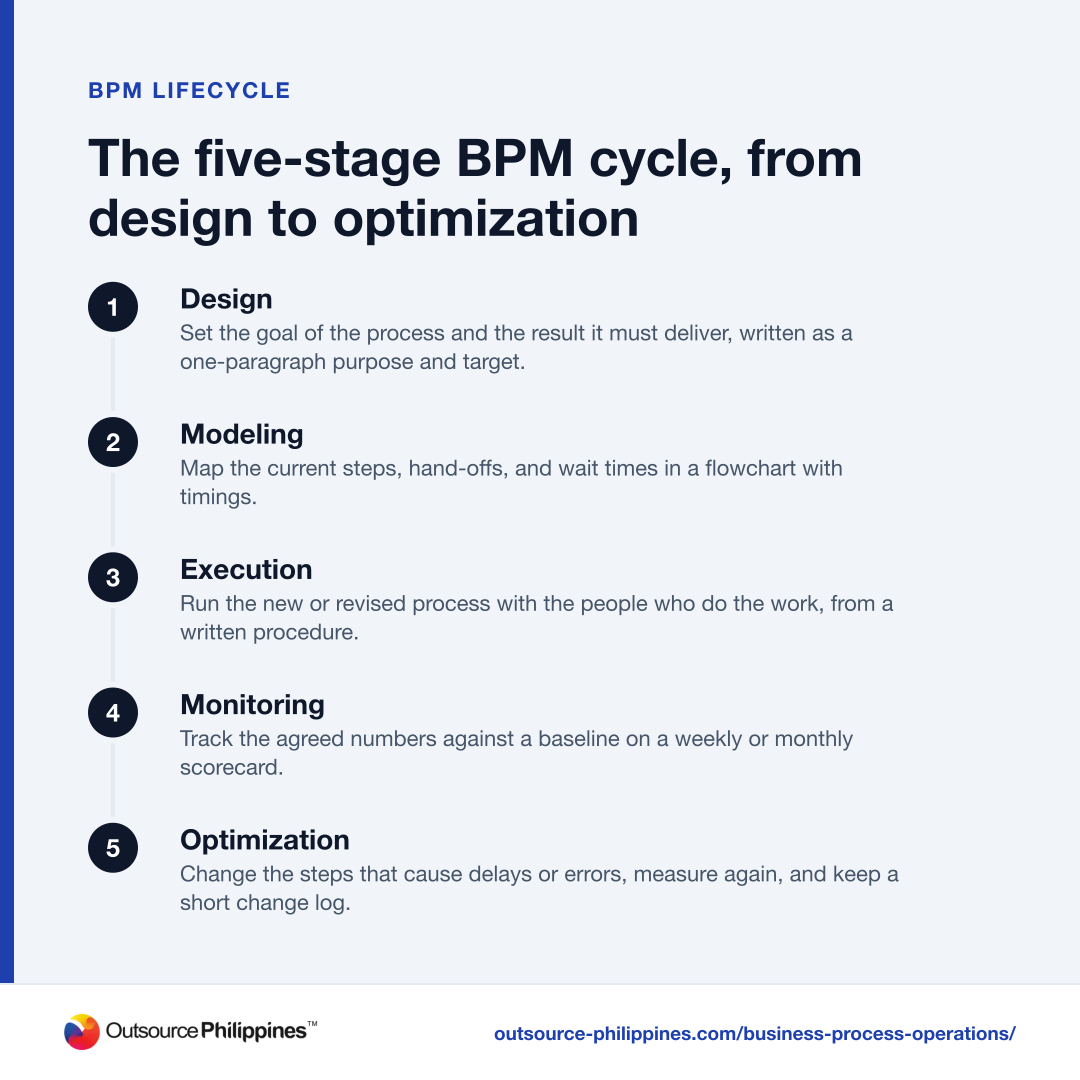
The BPM lifecycle has five stages.
- 1Design
Set the goal of the process and the result it must deliver, written as a one-paragraph purpose and target.
- 2Modeling
Map the current steps, hand-offs, and wait times in a flowchart with timings.
- 3Execution
Run the new or revised process with the people who do the work, from a written procedure.
- 4Monitoring
Track the agreed numbers against a baseline on a weekly or monthly scorecard.
- 5Optimization
Change the steps that cause delays or errors, measure again, and keep a short change log.
The cycle never really ends. A process that worked at 200 orders a week often breaks at 2,000, so the monitoring and optimization stages keep running after the first rollout.
Where Does Automation Help, and Where Does It Not?
Automation helps most on steps that are high-volume, rule-based, and stable, and least on steps that need judgment or change every month. Business process automation (BPA) covers tools such as robotic process automation (RPA), which copies keystrokes between systems; intelligent document processing (IDP), which reads invoices and forms; and artificial intelligence models that classify or draft text.
A practical way to decide:
| Step | Automate? | Why |
|---|---|---|
| Copying invoice data into the accounting system | Yes | High volume, fixed fields, easy to check |
| Routing a support ticket by keyword or form field | Yes | Clear rules, fast payoff |
| Approving a new vendor's bank details | No, keep a person | Fraud risk; needs a call-back check |
| Handling a customer complaint about a billing error | Partly | AI can draft; a person decides the outcome |
| A step that changes every few weeks | Not yet | Stabilize it first, or the automation breaks |
The common mistake is automating a process nobody has mapped. If the current process has a duplicate approval or a missing check, the automated version keeps the flaw and runs it at higher speed.
How Do You Implement Business Process Operations?
Start with one process, measure it before you change it, and expand only after the first change holds. These six steps work for most back-office and service processes:
- Map the current process. Sit with the people who do the work and write down every step, hand-off, and wait. Time each step for two weeks; the waits between steps are usually longer than the work itself.
- Pick one process to fix first. Score candidates on volume, error cost, and how often customers or staff complain. The process with the highest combined score goes first.
- Set a baseline and a target. Record the current cycle time, error rate, and cost per transaction. Write a target that is specific, measurable, achievable, relevant, and time-bound (SMART), such as "pay 95% of approved invoices within 10 days by the end of the quarter."
- Write the procedure. One or two pages, with screenshots and a short list of exceptions and who handles them.
- Automate or delegate the stable steps. Once the procedure has run unchanged for a few weeks, move the rule-based steps to software or a dedicated team.
- Review monthly. Compare results to the baseline, collect feedback from staff and customers, and change one thing at a time so you can see what worked.
Running a pilot on a single team or location before a company-wide rollout keeps the cost of mistakes small and gives you real numbers to show other departments.
Which KPIs Show Whether a Process Is Working?
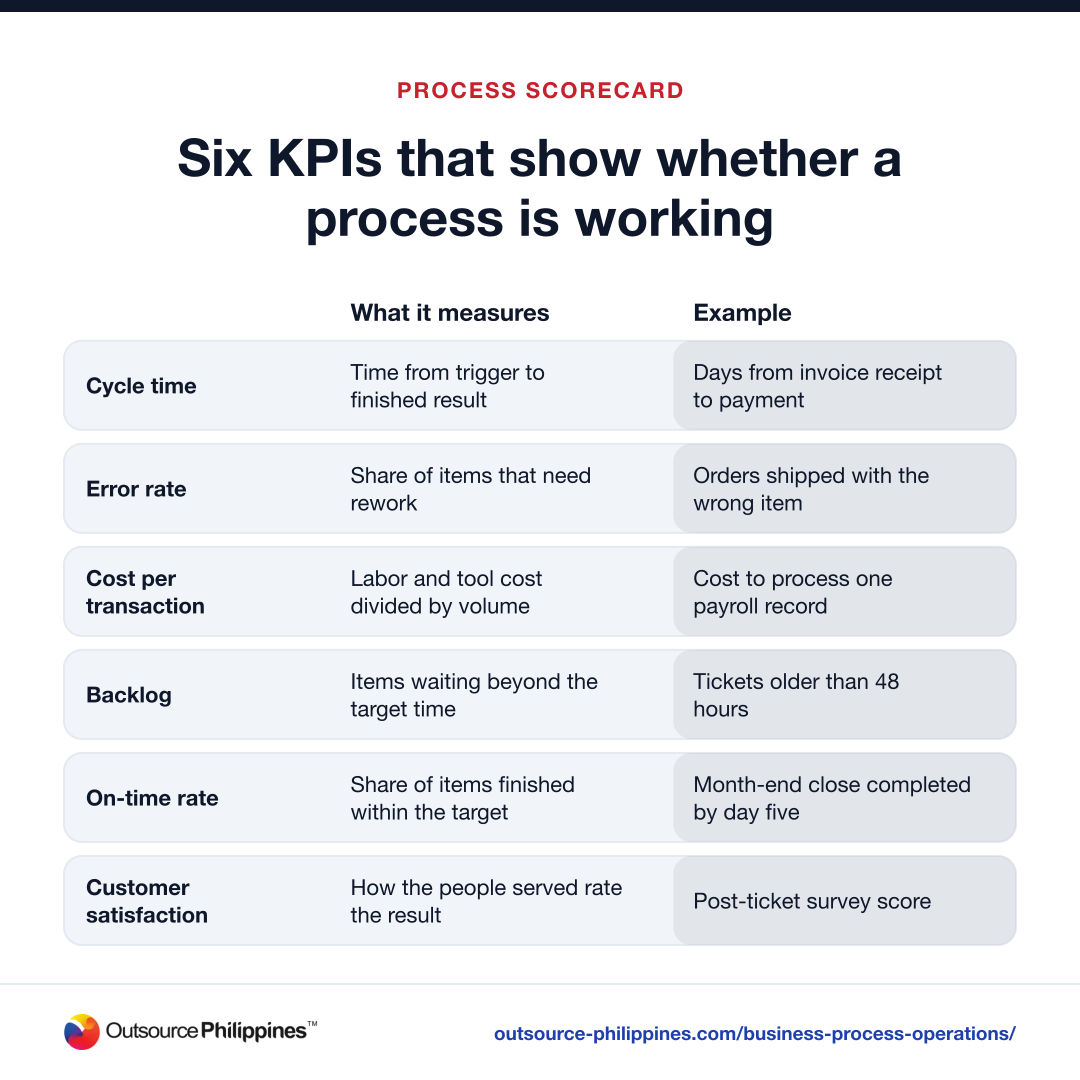
Track a small set of numbers against the baseline you recorded before the change. Too many metrics and nobody reads the scorecard.
| KPI | What it measures | Example |
|---|---|---|
| Cycle time | Time from trigger to finished result | Days from invoice receipt to payment |
| Error rate | Share of items that need rework | Orders shipped with the wrong item |
| Cost per transaction | Labor and tool cost divided by volume | Cost to process one payroll record |
| Backlog | Items waiting beyond the target time | Tickets older than 48 hours |
| On-time rate | Share of items finished within the target | Month-end close completed by day five |
| Customer satisfaction | How the people served rate the result | Post-ticket survey score |
Review the scorecard on a fixed schedule, weekly for high-volume processes and monthly for the rest. When a number moves, ask the people running the process why before changing anything.
What Gets in the Way of Better Processes?
The four most common blockers are unclear ownership, staff resistance, systems that do not connect, and knowledge that lives only in someone's head. Each has a direct fix.
- No owner. Improvement projects without a named owner stall after the first meeting. Assign one person per process, with the authority to change the procedure.
- Resistance to change. People resist new steps they had no part in designing. Involve the staff who do the work in the mapping and pilot, and train them before go-live, not after.
- Systems that do not connect. If staff re-key data between two tools, either integrate the tools or document the re-keying step and check it, until integration is funded.
- Undocumented knowledge. When one senior person is the only one who knows how a process works, every absence becomes a delay. Write it down while that person is still available to review it.
What Does This Look Like in Practice?
The same method applies across departments. Three common examples:
Hiring. A human resources hiring process runs from job requisition to the new hire's first day. Mapping it usually shows long waits for interview feedback; a rule that interviewers submit scores within 24 hours is a simple fix that needs no new software.
Accounts payable. Invoices arrive, get approved, and get paid. Mapping the flow often reveals duplicate data entry and approvals that sit in one manager's inbox. The process also needs controls: the 2026 AFP Payments Fraud and Control Survey found that 76% of US organizations faced attempted or actual payments fraud in 2025, with checks the most targeted method (58% of respondents) and 74% affected by business email compromise. A written rule to confirm any change in vendor bank details by phone, using a number already on file, belongs in the procedure.
Customer support. Tickets are categorized, routed, answered, and escalated. Clear routing rules and a short escalation path mean customers reach the right person faster, and the backlog number shows quickly whether the new rules are working.
Should You Outsource Parts of Your Business Process Operations?
Outsource a process once it is documented, repeatable, and measured, and keep it in-house while it is still changing every week. Data entry, bookkeeping, payroll processing, and order administration are common candidates; processes that depend on undocumented judgment from senior staff are not, until that judgment is written down.
A dedicated offshore team works best when you hand over the procedure, the KPIs, and the baseline together, so both sides measure the same thing from day one. Many companies start with a single process, then expand once the numbers hold. Companies in the US, Canada, Australia, and the UK that want English-speaking staff at lower labor cost often consider outsourcing to the Philippines, and our back office outsourcing services cover the processes listed above. To scope roles and hours for your own process, request a proposal.
At Outsource Philippines™, we source, test, and shortlist candidates for each role; your team joins the final interviews, and you make the hiring decision. Outsource Philippines™ has run office-based teams in the Philippines since 2000, and most new teams go live in 2 to 4 weeks, depending on the role.
Frequently Asked Questions
What Is the Difference between Business Process Operations and Business Process Management?
Business process operations is the daily running and improvement of a company's workflows, such as paying invoices or onboarding staff. Business process management (BPM) is the method used to improve them, a lifecycle of design, modeling, execution, monitoring, and optimization. BPM supplies the method; operations teams apply it to real work every day.
What Are Examples of Business Process Operations?
Common examples are order processing, invoice approval and payment, payroll processing, employee hiring and onboarding, customer support ticket handling, and inventory management. Each is a repeatable sequence of steps with a clear start and end, which is what makes it possible to document, measure, automate, and improve the process over time.
How Do You Measure the Success of Business Process Operations?
Record a baseline before you change anything, then track cycle time, error rate, cost per transaction, backlog, and customer satisfaction against it. Set a SMART target for each process, review the numbers weekly or monthly, and ask the staff who run the process to explain any change before you adjust the procedure.
When Should You Automate a Business Process?
Automate a step when it is high-volume, follows fixed rules, and has run unchanged for several weeks. Copying invoice data or routing tickets by form field are good candidates. Keep people on steps that involve judgment or fraud risk, such as approving changes to vendor bank details, and on any step that still changes often.