Virtual Assistant for Doctors: Non-Clinical Tasks to Delegate

On This Page
- What Does a Medical Virtual Assistant Do?
- Which Tasks Can a Virtual Assistant Handle, and Which Stay With Clinical Staff?
- Which Tasks Must Stay With Clinical Staff?
- Are Virtual Medical Assistants HIPAA Compliant?
- How Do You Set Up HIPAA and a BAA Before Day One?
- Which Role Should a Practice Start With?
- Are Healthcare Virtual Assistants Worth It for a Medical Practice?
- When This Is Not the Right Fit
- Frequently Asked Questions
A virtual assistant for doctors handles the non-clinical work that keeps a practice running: scheduling, reminders, insurance eligibility checks, prior authorization paperwork, referrals, billing follow-up, records request admin, and routing patient messages. Clinicians keep every medical decision. Under HIPAA, the assistant's employer is a business associate, so a signed Business Associate Agreement comes first.
Key takeaways
- About four in five medical groups had an open administrative job in a November 2026 MGMA Stat poll, and front-office roles were among the hardest to fill.
- A medical virtual assistant can take most front-office and revenue-cycle admin, but triage, medical advice, and clinical answers stay with licensed staff.
- HIPAA lets a practice share patient data with an outside team only after it has a written Business Associate Agreement in place.
- Start with one role, one queue, and written routing rules, then add tasks once the error rate holds steady.
Practice managers and physician owners use this article to decide what to hand to an offsite admin team. It splits front-office and revenue-cycle tasks into what an assistant can own and what must stay with clinical staff, lists the HIPAA and BAA steps to finish before day one, and lays out how to start with a single role.
What Does a Medical Virtual Assistant Do?
A medical virtual assistant does the administrative work between a patient's first call and the final payment, inside your practice management system, EHR, and payer portals. The work is non-clinical: booking, checking, submitting, tracking, and routing, never deciding care.
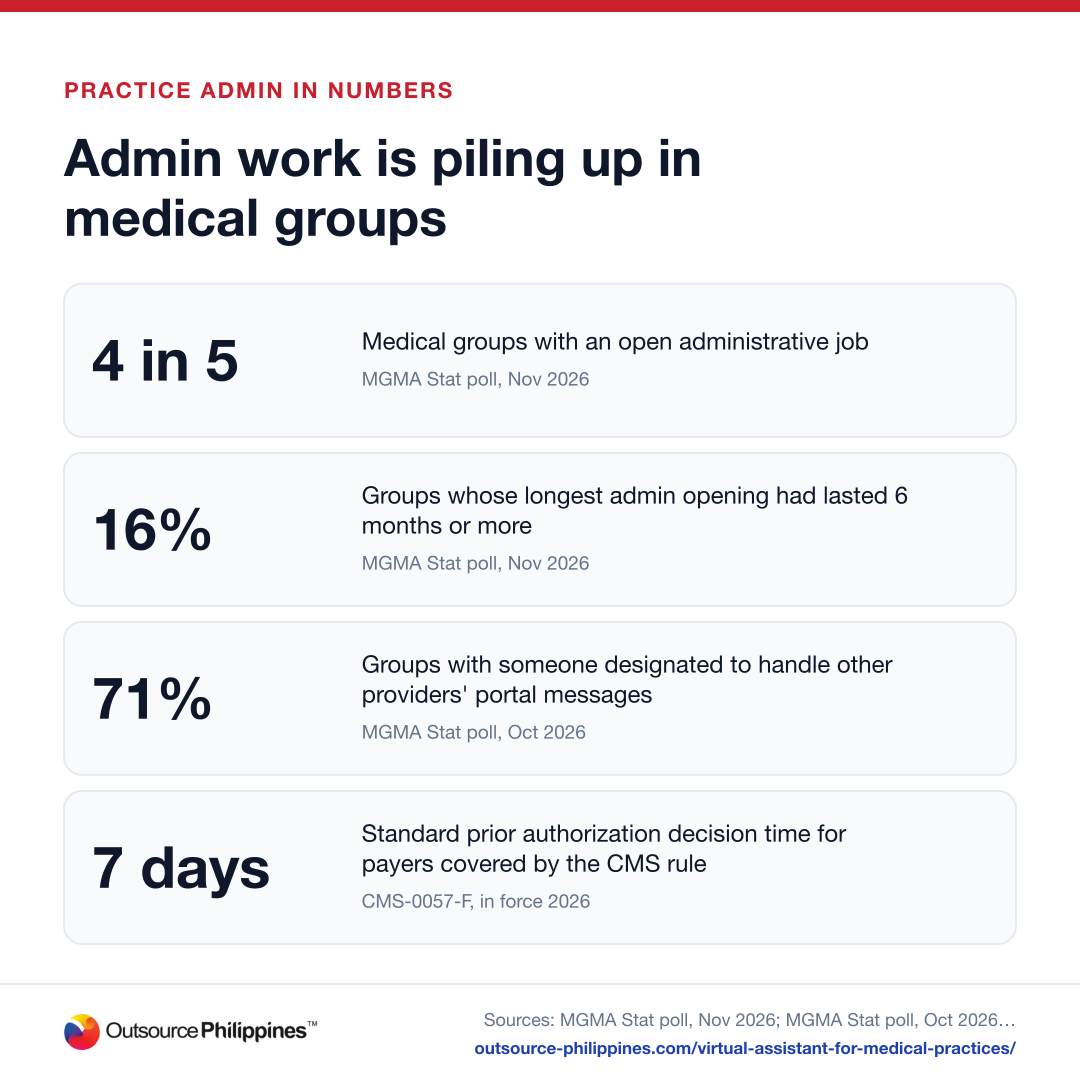
The demand is real. In a November 2026 MGMA Stat poll of 186 medical group leaders, about four in five reported an open administrative position, and 16% said their longest opening had been vacant for six months or longer. Front-office roles such as receptionists, patient access staff, and schedulers made up about two in five of the jobs respondents named.
- 4 in 5Medical groups with an open administrative jobMGMA Stat poll, Nov 2026
- 16%Groups whose longest admin opening had lasted 6 months or moreMGMA Stat poll, Nov 2026
- 71%Groups with someone designated to handle other providers' portal messagesMGMA Stat poll, Oct 2026
- 7 daysStandard prior authorization decision time for payers covered by the CMS ruleCMS-0057-F, in force 2026
A healthcare virtual assistant usually covers several of these tasks at once in a small practice, or one specialty queue in a larger group. The table below shows where the line sits for each task.
Which Tasks Can a Virtual Assistant Handle, and Which Stay With Clinical Staff?
An assistant can run the steps of each task that follow your written rules, while anything that needs clinical judgment goes to a nurse, medical assistant, or provider. Use the table as a starting split and adjust it to your specialty.
| Task | What the virtual assistant does | What stays with your clinical staff |
|---|---|---|
| Scheduling | Books, reschedules, and cancels visits using your templates and visit types | Deciding how urgently a patient must be seen |
| Reminders and no-show follow-up | Sends reminders, confirms visits, and rebooks missed appointments | Calls about test results or care plans |
| Insurance eligibility | Checks coverage, copays, and deductibles before each visit | Choosing a different treatment because of coverage |
| Prior authorization paperwork | Fills payer forms, attaches chart notes, submits, and tracks each case | Writing the medical necessity statement and peer-to-peer calls |
| Referrals | Sends referral packets, books specialist slots, and chases reports | Deciding whether a referral is needed |
| Billing follow-up | Checks claim status, works simple denials, and posts payments | Coding questions that depend on the clinical record |
| Records request admin | Logs requests, checks authorizations, and tracks deadlines | Approving or denying release of sensitive records |
| Patient messages | Sorts portal messages and handles scheduling and paperwork requests | Answering any symptom, medication, or result question |
Two rows deserve a closer look. Prior authorization paperwork eats hours of staff time in most specialties, and dedicated prior authorization coordinators can submit and track requests while your clinicians supply the medical details. Payers covered by the CMS Interoperability and Prior Authorization final rule must decide standard requests within seven calendar days and expedited requests within 72 hours from 2026, so a complete first submission matters more than ever. The payer API deadlines in the 2027 prior authorization rule change the tools, not the need for someone to assemble each case.
Records requests have a legal clock. Under 45 CFR 164.524, a covered entity must act on a patient's request for access no later than 30 days after receiving it, with one extension of no more than 30 days. An assistant can log each request and track that deadline, while your privacy officer decides any denial.
Which Tasks Must Stay With Clinical Staff?
Anything that interprets symptoms, results, or medications stays with licensed staff, and so does any decision about who is seen, when, and for what. That includes triage, medical advice, refill approvals, result explanations, clinical documentation, and peer-to-peer reviews with payers.
Patient messages are where practices blur this line most often. In an October 2026 MGMA Stat poll, 71% of medical groups said someone was designated to handle other providers' portal messages, and nearly two-thirds of those named medical assistants, nurses, or both. MGMA's suggested split sends administrative messages such as records requests, appointment changes, and paperwork to front-desk staff and keeps clinical messages with nurses and medical assistants. A virtual assistant fits the administrative side of that split.
Write the routing rule down before go-live. A simple version: if a message mentions a symptom, a medication, a result, or the word "pain," it goes to the clinical pool untouched, and the assistant only tags it and confirms the patient's callback number.
Are Virtual Medical Assistants HIPAA Compliant?
A virtual medical assistant can work within HIPAA when the company that employs them signs a Business Associate Agreement with your practice and follows the Privacy and Security Rules. The person is not compliant on their own; the contract, the access controls, and the training make the arrangement compliant.
The HHS guidance on business associates says a covered entity may disclose protected health information to a business associate only after it obtains satisfactory assurances, in a written agreement, that the information will be safeguarded. HHS lists billing, claims processing, and practice management among the activities a business associate performs. The same page says a business associate must have its own BAA with any subcontractor before passing that data along.
The HHS minimum necessary requirement also applies to how you set up access. A scheduler needs the calendar and demographics, not full clinical notes, so build each role's EHR permissions to match its tasks. Before you add an outside team, check your own program, from risk assessments to breach response, against a HIPAA compliance checklist.
How Do You Set Up HIPAA and a BAA Before Day One?
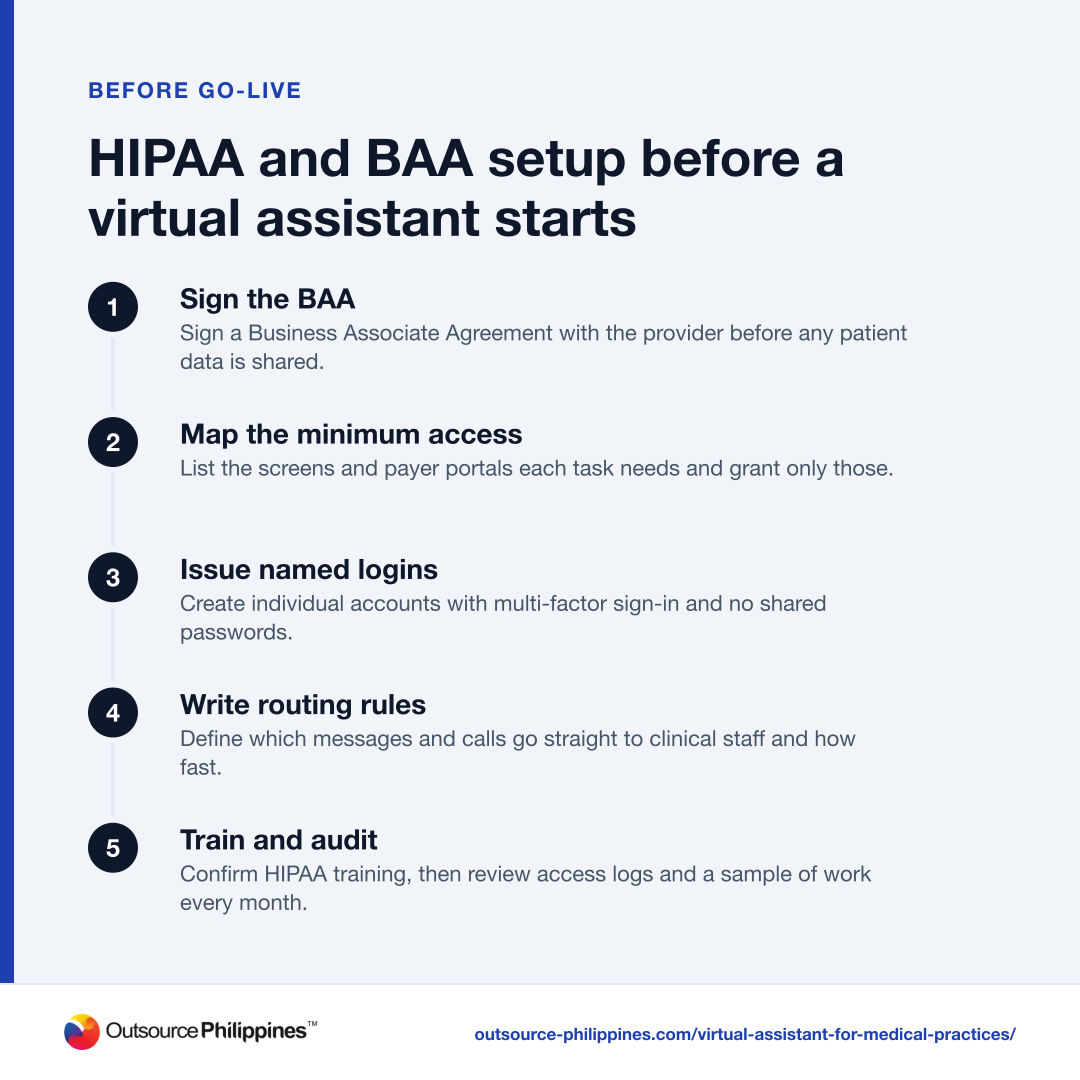
Finish the paperwork, access design, and training before the assistant touches a live chart. These five steps are the order most practices follow.
- 1Sign the BAA
Sign a Business Associate Agreement with the provider before any patient data is shared.
- 2Map the minimum access
List the screens and payer portals each task needs and grant only those.
- 3Issue named logins
Create individual accounts with multi-factor sign-in and no shared passwords.
- 4Write routing rules
Define which messages and calls go straight to clinical staff and how fast.
- 5Train and audit
Confirm HIPAA training, then review access logs and a sample of work every month.
Three details trip practices up. First, the BAA should name the work in scope and require breach reporting to you, so check it against your own breach plan. Second, offboarding needs a same-day rule: when someone leaves the account, their EHR, portal, and phone logins close that day. Third, ask where the work happens. Outsource Philippines™ staff work from a supervised office in San Pedro City, Laguna, on company-managed devices behind a managed firewall, with WorQmate monitoring, and client data is also handled under the Philippine Data Privacy Act of 2012.
Which Role Should a Practice Start With?
Start with the queue that causes the most visible pain and has the clearest rules, which for most practices is either the phones and schedule or insurance checks. One role with one queue shows you within a month whether the setup works.
Use this order to pick and launch the first role:
- Count the backlog. Pull two weeks of data: calls missed, eligibility checks done late, prior authorizations pending, and claims past 30 days.
- Pick the queue with the clearest rules. A virtual medical receptionist fits a practice losing calls and same-day slots; insurance verification specialists fit one with front-desk eligibility surprises.
- Write the procedure. One page per task: the screens used, the steps, what to escalate, and to whom.
- Interview the shortlist. Outsource Philippines™ sources, tests, and shortlists candidates; your team and ours run the final interviews, and you make the hiring decision.
- Run side by side for two weeks. Your staff check a sample of every task before the assistant works the queue alone.
- Add the next task. Once errors stay low for a full month, add billing follow-up or prior authorization paperwork.
Billing is a common second step. If claims are aging, medical billing support can take claim status checks, payment posting, and denial follow-up, the back-end steps of the medical billing process. Most teams go live in 2 to 4 weeks, depending on the role.
Are Healthcare Virtual Assistants Worth It for a Medical Practice?
They are worth it when admin work is steady, rule-based, and already slowing patients or cash, and when someone at the practice can own the procedures. The value shows up as answered calls, checked coverage, and submitted authorizations, the same outcomes practices look for in any healthcare BPO arrangement, not as a smaller clinical team.
Measure the first role on three numbers you already track: the share of visits with eligibility confirmed 48 hours ahead, the number of prior authorizations pending past payer deadlines, and calls abandoned during clinic hours. If those numbers improve in the first 60 days, the role is working; if they do not, the procedure or the routing rules usually need fixing before you add tasks.
When This Is Not the Right Fit
A virtual assistant is the wrong answer when the work needs a license, physical presence, or clinical judgment. Do not expect an assistant to triage patients, give medical advice, explain results, approve refills, room patients, or collect payments at the front desk.
It is also a poor fit when no one at the practice will write procedures or answer questions in the first month, or when the EHR cannot give individual logins with role-based access. Fix those gaps first. Outsource Philippines™ provides only non-clinical healthcare staff, who are HIPAA-trained before go-live and work for one practice full time under a signed BAA.
Frequently Asked Questions
What Is the Difference Between a Medical Assistant and a Medical Virtual Assistant?
A medical assistant usually works in the clinic and may do clinical tasks such as taking vital signs, depending on state rules. A medical virtual assistant works offsite, from a supervised office, and handles only administrative tasks: scheduling, eligibility checks, prior authorization paperwork, billing follow-up, and message routing. They never touch patients or make clinical decisions, so the two roles complement each other rather than overlap.
Can a Virtual Assistant Answer Patient Portal Messages?
A virtual assistant can answer administrative portal messages, such as appointment changes, records requests, forms, and billing questions. Any message about symptoms, medications, or results should go to a nurse, medical assistant, or provider without a reply from the assistant. Write that routing rule down, and review a sample of routed messages each week during the first month.
Does a Medical Virtual Assistant Need a Business Associate Agreement?
Yes. If the assistant's employer creates, receives, maintains, or transmits protected health information for your practice, HHS treats that company as a business associate. HIPAA requires a written Business Associate Agreement before you share patient data, and the company needs its own BAA with any subcontractor that touches the same information.
Can a Virtual Assistant Work Inside Our EHR and Practice Management System?
Yes, and that is the safer setup. The assistant logs in to your EHR, practice management system, and payer portals with an individual account, multi-factor sign-in, and only the permissions the role needs. Your audit logs then record every action, and you can close access the same day if someone leaves.
How Long Does It Take to Start With a Medical Virtual Assistant?
Most practices are live within 2 to 4 weeks, depending on the role. That window covers sourcing and testing candidates, your final interviews, signing the BAA, setting up logins, and training on your procedures. Plan two more weeks of side-by-side work before the assistant runs a queue without daily review.